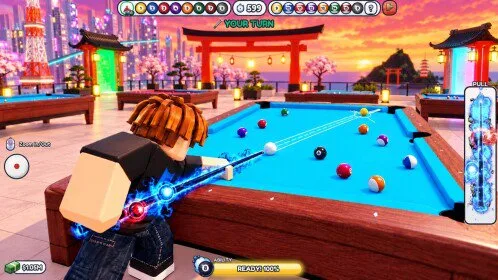
What does the current [JUJUTSU] CRAZY 8 Ball UI actually have?
Read the current official [JUJUTSU] CRAZY 8 Ball instructions and check that any example belongs to this game. This page does not assume a particular button or menu location.
What redemption instructions are recorded for [JUJUTSU] CRAZY 8 Ball?
- Launch [JUJUTSU] CRAZY 8 Ball on Roblox.
- Finish the tutorial or skip it if the prompt allows.
- Open Settings at the top of the screen.
- Or open the Abilities menu and use its Codes tab.
- Paste the code into the Enter code box with no extra spaces.
- Press Redeem and read the reward notice before you enter another code.
What should you not do with [JUJUTSU] CRAZY 8 Ball codes?
- Do not enter [JUJUTSU] CRAZY 8 Ball codes on random websites.
- Do not install a “code redeemer” script.
- Do not treat a like-and-join reminder as a redeem box.